Skip to content
Open app

A NEW WAY TO RUN YOUR HOTEL

Less bustle.
More guests.
Everything in its place.

From reservation to the final room check.
All the work of your hotel, aparthotel or hostel,
in one spacious workspace.

Start managing your hotel
Take a look insideSmall details. A well-run hotel.

At reception, on the floors, in management.
Everyone on the same page.

Property view showing floors, rooms and beds together
Hotel · Aparthotel · HostelA unit and bed structure that fits your business
Many properties. One panel.Switch between branches you are authorized to access
From your desktop to your pocket.Mobile-friendly, installable web app

THE WHOLE STORY OF A HOTEL

From the first reservation
to the final goodbye.

Separate tasks. One connected workspace.

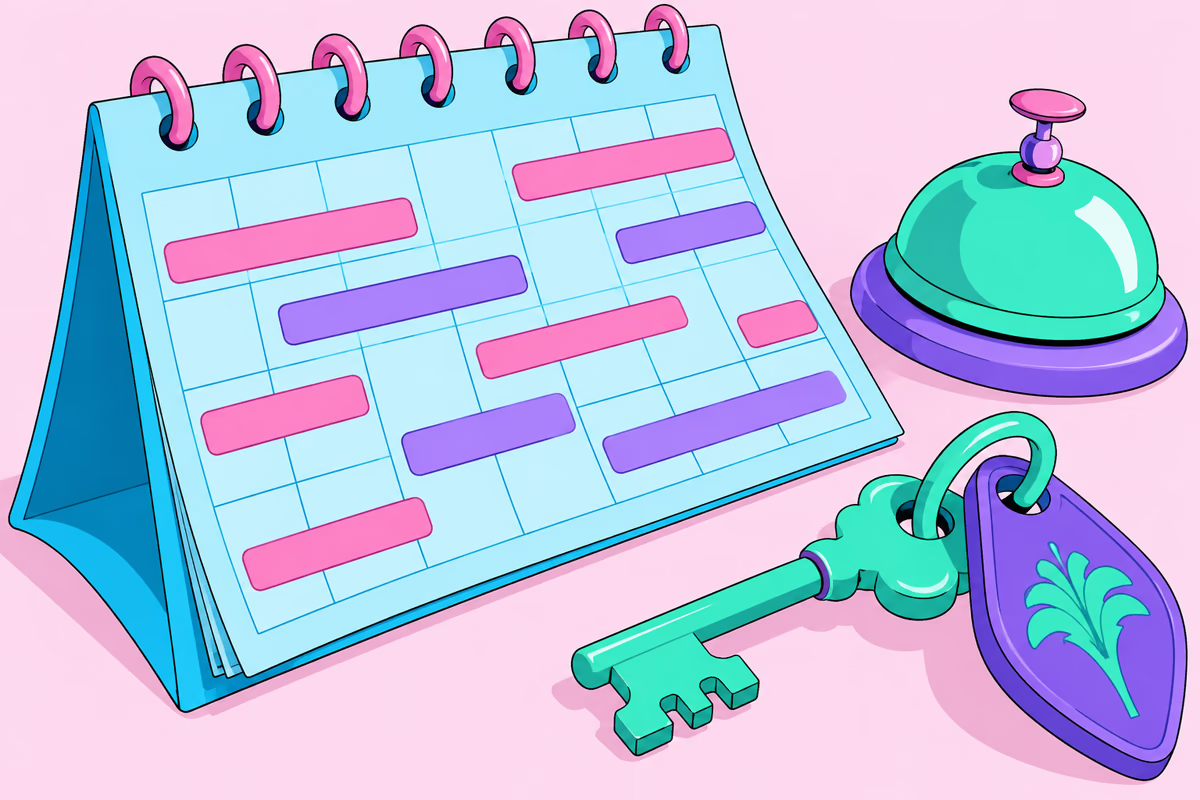
Illustration of a reservation calendar, hotel key and reception bell

01 / RESERVATIONS & STAYS

Every great stay starts with a good plan.

Check availability, create a reservation and welcome your guest. Dates, room, price and guest details in one flow.

  • Track by date, property and status in the calendar and reservation list.
  • View planned arrivals and departures alongside actual stay details.
  • Manage check-in, check-out, early arrival, room or bed changes, and cancellations.

Explore the details
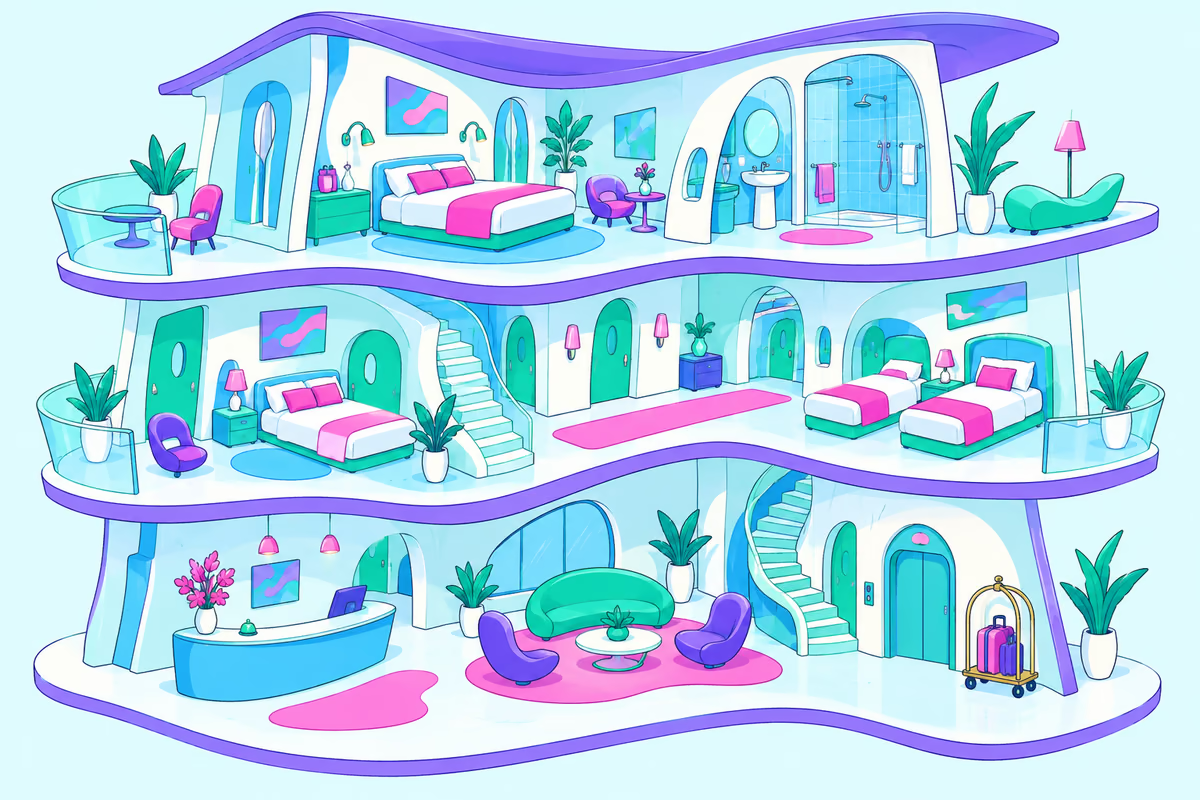
Pastel three-story hotel cutaway showing rooms and beds

02 / ROOM BOARD & 3D PROPERTY

See your hotel from a new perspective.

Which room is occupied, and which is being prepared? See the whole property, from the room board and floors to 3D views and beds.

  • See occupied, reserved, clean and dirty units with guests and stay dates.
  • Explore floors, rooms and bed layouts in 3D.
  • Define rooms, apartments, beds, bunks, floors and amenities to suit your business.
Explore the details
Two cartoon guests welcomed at reception with their luggage

03 / GUEST RELATIONS

Much more than a room number.

Every guest has a story. Prepare for their next arrival with contact details, previous visits and notes.

  • Search by name, ID or phone to access guest profiles and stay history.
  • Keep track of accompanying guests, nationality, guest notes and reviews.
  • Manage the shared blacklist and related records with authorized roles.
Explore the details
Receipt printer, calculator, payment tokens and document folder

04 / FINANCE & DOCUMENTS

Clear accounts. Organized paperwork.

From deposit to remaining balance, contract to receipt. Keep the financial and written side of each stay together.

  • Track deposits, receipts, refunds, income, expenses, receivables and payables by payment channel.
  • Edit multilingual document templates; preview and print contracts and receipts or save them as PDF.
  • Report on occupancy, revenue, cash and business performance by period and property.
Explore the details
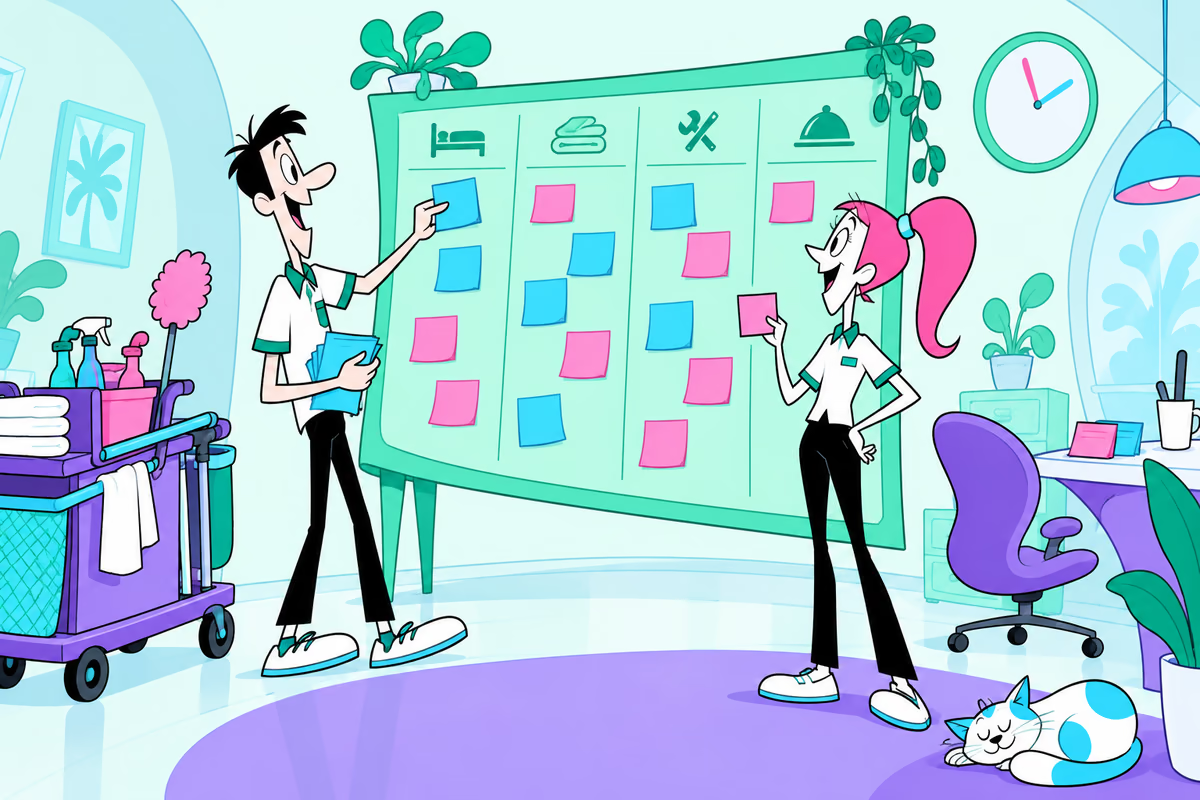
Hotel team working beside a task board and cleaning cart

05 / TEAM & DAILY OPERATIONS

Shifts change. Information stays.

Track reception notes, tasks and business records with your team. Let everyone focus on their work with the appropriate permissions.

  • Organize reception notes on a Kanban board; keep tasks and reminders visible.
  • Define staff roles and branch access; review activity records and system logs.
  • Track cleaning, maintenance, stock, damage and shift records through operational reports.
Explore the details

LOOK BEHIND THE NUMBERS

How did today go?
What's happening tomorrow?

Evaluate revenue separately from receipts, and physical capacity separately from sellable capacity. Understand your business through recorded data.

57 reports · 10 categories
Chart screen and report folder showing hotel occupancy and revenue
Aparthotel
  • Contract expiryContracts expiring in the selected period.
  • Apartment expensesExpenses assigned directly to an apartment.
  • Security depositsSecurity deposits received and refunded.
  • Apartment revenueAccommodation revenue by apartment.
  • Long staysReservations for 28 nights or more.
  • Apartment maintenanceMaintenance records by apartment.
  • Apartment occupancyCapacity and occupancy in apartment-nights.
  • Apartment operating resultResult after directly assigned expenses.
  • Rent and receiptsContract value, due dates and payment records.
Finance
  • Daily revenue and receiptsAccommodation accruals, additional revenue, receipts and refunds are shown separately.
  • Expense breakdownBreakdown of payroll, rent, utilities and other operating expenses.
  • Income and expensesPeriod revenue, operating expenses and operating result.
  • Payment methodsReceipt and refund channels.
  • Staff salariesRecorded salary expenses by staff member and period.
  • Operating result by unitUnit revenue and directly assigned expenses; unallocated expenses are shown separately.
  • Receivables and payablesAging analysis of reservation balances and other open accounts.
  • Cancellations and refundsCancelled sales, completed and pending refunds.
  • Rent expensesTrack rent paid by the business by period and landlord.
  • Utility expensesElectricity, water, internet and gas expenses by type, period and supplier.
Guest
  • ComplaintsIssue categories, open cases and resolution times.
  • Guest profileNew and returning guests and country distribution where identities can be matched.
  • Returning guestsRepeat stays, accommodation revenue and intervals between visits.
  • Guest satisfactionRecorded review scores out of five.
Hostel
  • Bunk capacityCapacity by upper/lower bunk and bed group.
  • Shared-area usageRecorded use of shared areas.
  • Additional service revenueLocker, laundry, breakfast and other additional revenue.
  • Group staysReservations linked by a group code.
  • Bed and room changesReservation allocation history.
  • Bed occupancyOccupancy measured in bed-nights.
  • Bed readinessBed cleaning status and preparation tasks.
  • Revenue per bedNights and revenue by bed.
  • Short staysReservations for 1–7 nights.
  • Dormitory performanceSales and usage by unit type.
Management
  • Management overviewRevenue, receipts, capacity and operational indicators.
  • Property comparisonCompare the properties you are authorized to manage over the same period.
  • Transaction recordsFinancial and operational records used as report sources.
Occupancy
  • Capacity utilizationCurrent physical, sellable and closed units.
  • Daily occupancyPhysical and sellable capacity use separate denominators.
  • Future occupancyCapacity view based on current reservations.
  • Past occupancyDaily, weekly and monthly comparisons.
  • Unit performanceNights, revenue and occupancy per room, bed or apartment.
Operations
  • Loss and damageSource, cost and recorded damage payments.
  • HousekeepingCurrent cleaning status and recorded housekeeping tasks for each unit.
  • Stock and consumptionStock entries, consumption, balance and reorder threshold by product code.
  • Faults and maintenanceOpen faults, resolution times and maintenance costs.
Revenue management
  • Competitor pricesRecorded price observations with their sources.
  • Revenue forecastFuture accommodation value of confirmed reservations.
  • ADR and RevPARRevenue per sold night and per available night for the same product type.
  • Price performanceAverage nightly sales by product and day type.
Reservations
  • Reservation sourcesChannel revenue, cancellation rate and sales after commission.
  • Sales conversionEnquiries, quotes, won and lost sales.
  • Arrivals and departuresPlanned arrivals and departures for the selected period.
  • Length of stayNumber of nights and distribution of short and long stays.
  • Reservation summaryReservation status by creation date.
Staff
  • Staff performanceReservation operations, tasks and overtime.
  • Shifts and cashCompare counted cash with opening balance + cash receipts − refunds − payments.
  • Task completionCompleted, open and overdue tasks.

FOR THOSE WHO LOVE THE DETAILS

Every part of the job.
Every part, right here.

From daily operations to personal preferences.

Puzzle pieces connecting room, reservation and document management

Reservation list, stay calendar, availability and date-range tracking. Guest, unit, price, deposit and notes in one record; check-in, check-out, cancellation and allocation changes.

GETTING STARTED

First, your property.
Then your first guest.

Steps for property setup, reservation and guest welcome
01

Set up your property

Define your property, floors, rooms and beds. Set up amenities, staff permissions and document templates.

02

Add your reservation

Choose dates and an available unit. Save guest details, price, deposit and necessary notes.

03

Manage the day's flow

Complete check-ins and check-outs. Track room status, team notes, documents and end-of-day reports.

Have a question?

Hotel staff answering questions with an open guidebook

Designed for hotel, aparthotel and hostel operations, with rooms, apartments, beds and bunks. Aparthotel reports cover long stays, rent and deposits; hostel reports cover bed occupancy, groups and shared areas.

FOR THE NEXT GREAT STAY

Your hotel is ready.
Now it's your turn.

Open app
A room key offered in front of an open hotel door